
Beautifully rendered Markdown.
A lightweight, native macOS viewer. No editing. No bloat. Just open and read.
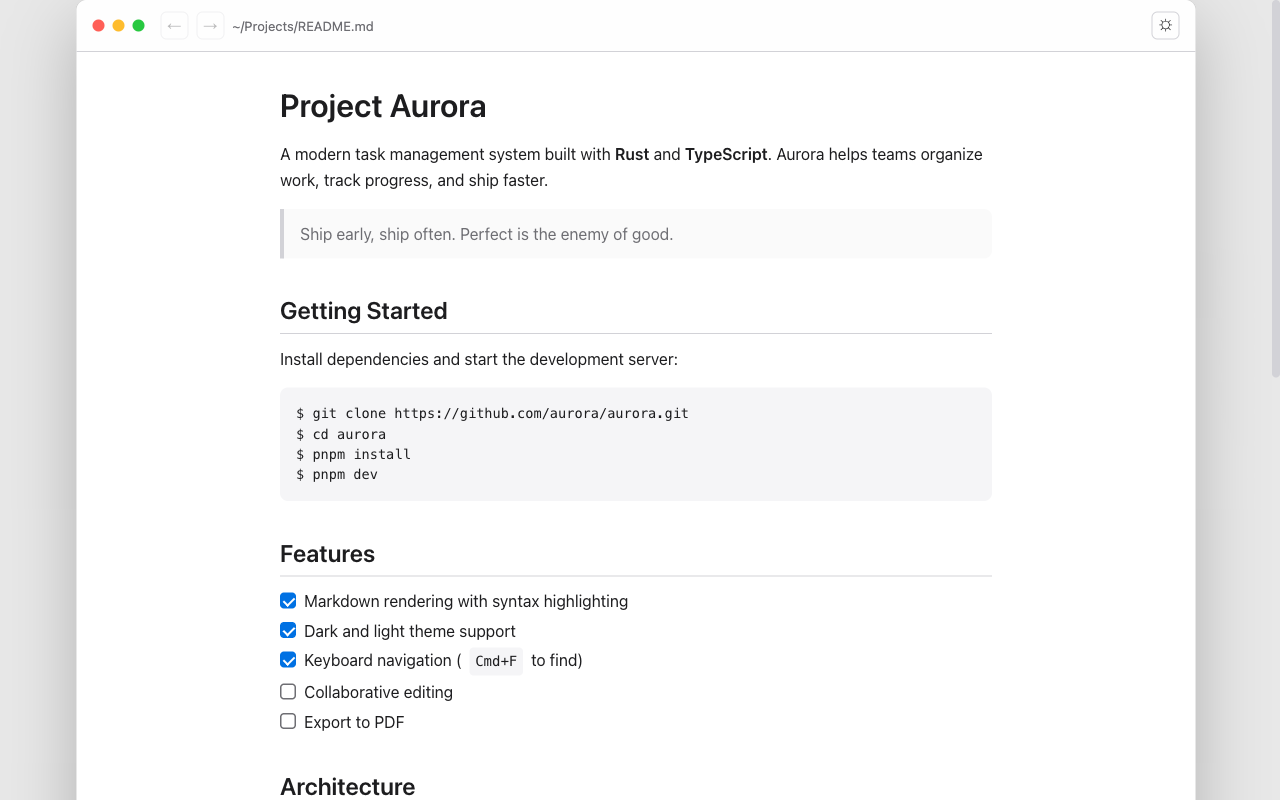
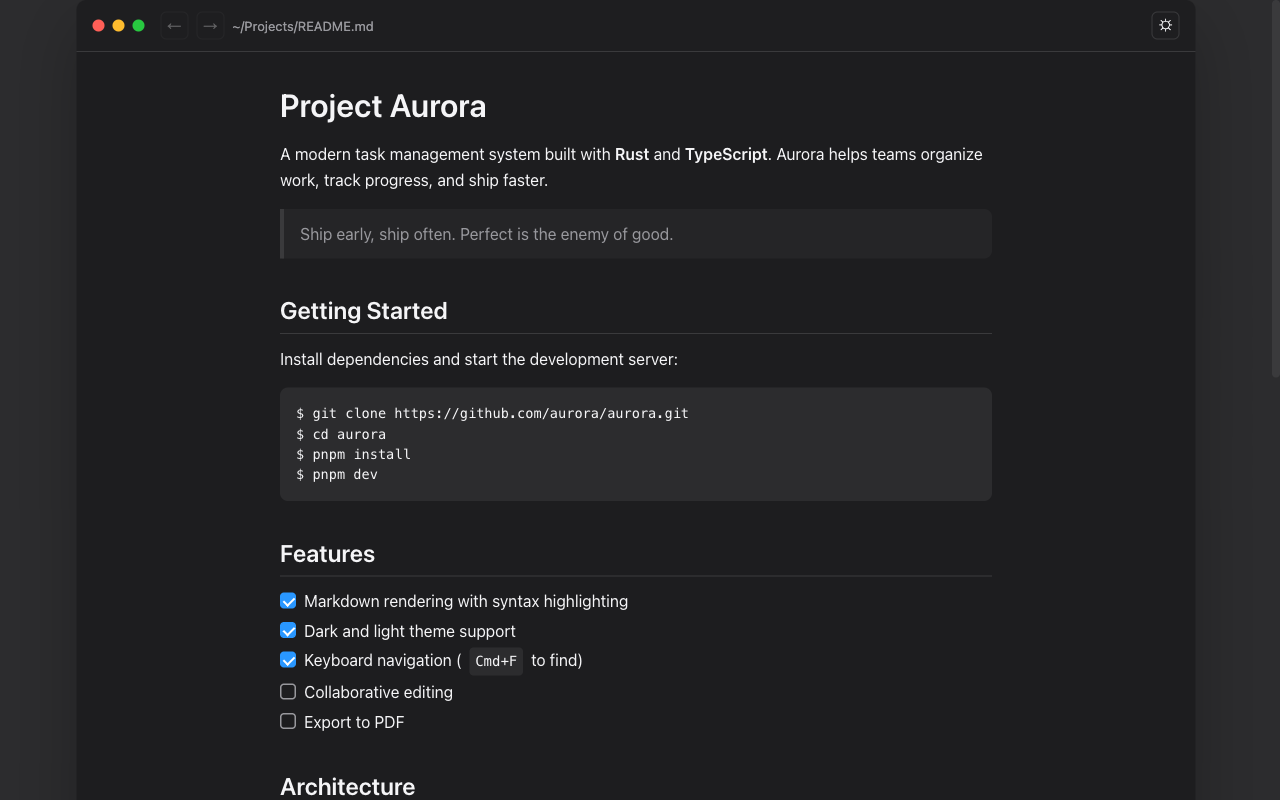
Everything you need to read Markdown
A focused set of features designed for reading, not editing.
Instant Rendering
Opens and renders Markdown files immediately. No loading screens, no waiting.
Syntax Highlighting
Shiki-powered code highlighting supporting 100+ programming languages.
Dark & Light Themes
Automatically follows your system appearance. Looks great either way.
In-Page Search
Find text with Cmd+F. Navigate matches with highlighting and keyboard shortcuts.
Task Lists
Renders GitHub-flavored Markdown task lists with checkboxes exactly as intended.
Anchor Navigation
Click heading links to jump between sections. Back and forward navigation included.
Zoom Controls
Zoom in and out with Cmd+/Cmd-. Settings persist across sessions.
Drag & Drop
Drop any .md or .markdown file onto the window to open it instantly.
Lightweight
Just ~8MB. Built with Tauri 2 and Rust for native performance without the bloat.
Privacy by design
Glance was built with a simple principle: your files are yours.
No telemetry or analytics
We never collect usage data, crash reports, or diagnostics.
No accounts, no cloud
No sign-ups, no subscriptions, no syncing. Fully offline.
Remote images blocked
External images are blocked by default to prevent tracking pixels.
Files stay on your machine
Your documents are never uploaded, transmitted, or processed remotely.
Ready to read Markdown beautifully?
Download Glance for free on the Mac App Store. Lightweight, private, and built for macOS.
Download on Mac App StoreNeed help? support@technol.com